
- Resources
Innovative Thinking


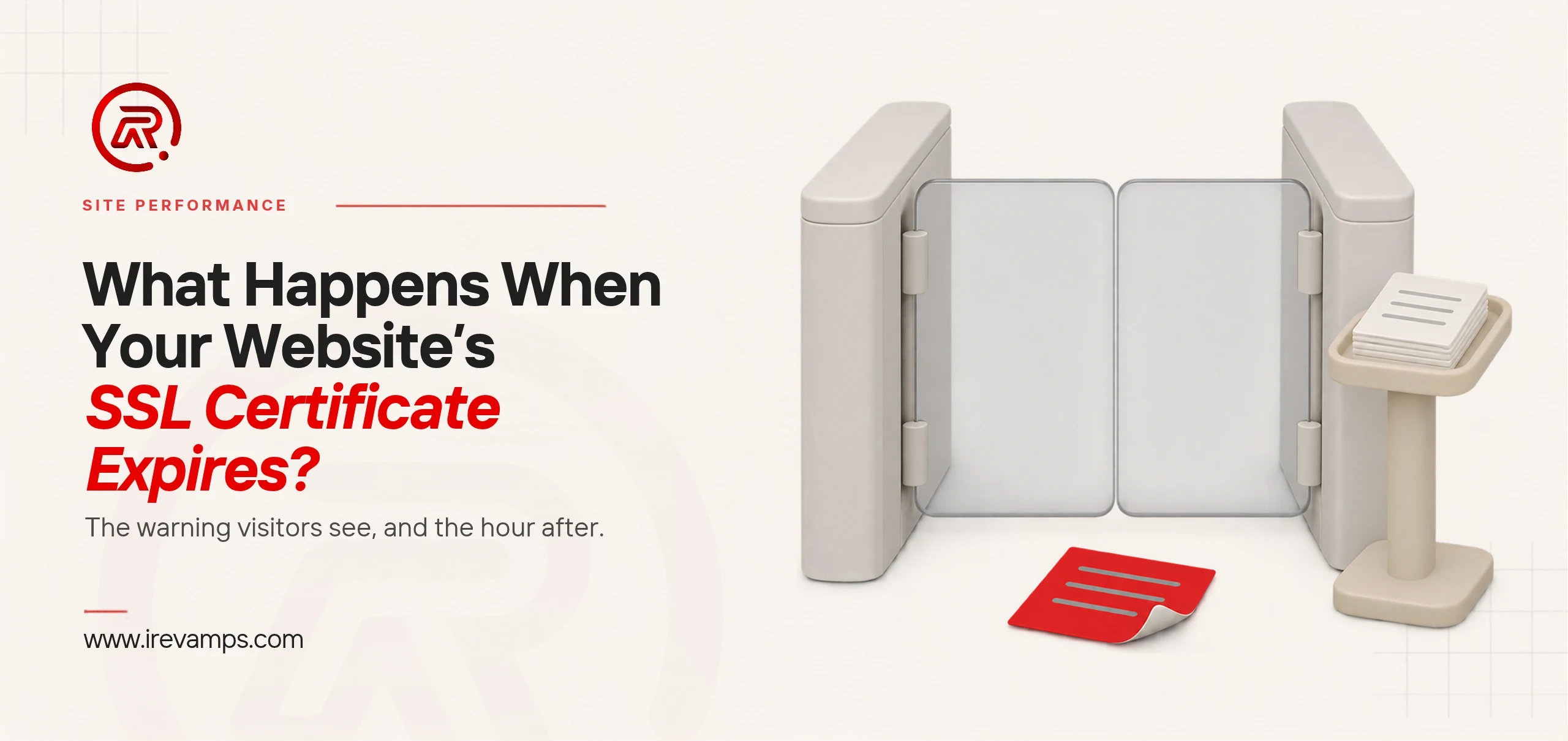
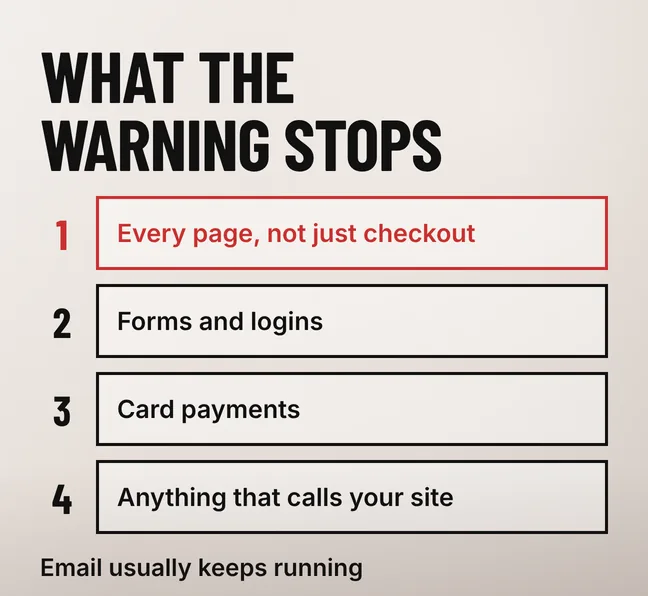
The morning after your SSL certificate expired, every visitor meets a full-page browser warning instead of your homepage, and most of them turn back without reading it. Nothing on the site is reachable, the contact form and the checkout included. It is not down the way hosting goes down, which is why it can stay like that for a day before anyone inside the business notices.
The useful question is not how to buy a replacement. It is why a certificate that renews itself every few weeks stopped renewing, which is almost always what has happened, and it has usually been failing quietly for a month.
A full-page warning where the website should be. Chrome shows “Your connection is not private” with the code NET::ERR_CERT_DATE_INVALID, Safari and Firefox show their own versions of it, and none of them shows your page behind the warning. The padlock does not quietly disappear; the whole site turns into something the visitor has to click past.
An SSL certificate — strictly a TLS certificate, though almost nobody calls it that — lets a browser confirm it is talking to your domain, and it carries a fixed expiry timestamp. The moment that timestamp passes there is no grace period: every page served over HTTPS fails the check at once, not just the checkout, including the pages visitors arrive on from Google or an ad.
Business email runs on its own hostname with its own certificate, so mail keeps flowing and nothing looks seriously wrong from the inside.
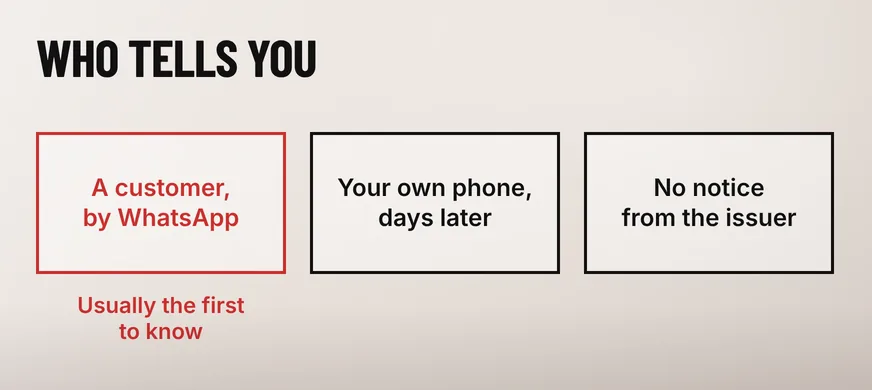
In Malaysia the first person to tell you is usually a customer on WhatsApp, asking whether the link is safe. By then the warning has been in front of everyone else for however long it has been there, and nobody who turned back left a record of the visit.
Because renewal is an automated job, and jobs fail without telling anyone. Most small business sites now run a free certificate that the hosting panel reissues on a schedule, so an expiry means that schedule has been failing for weeks. The expiry date is the deadline those failures ran past, not the thing that went wrong.
The timing explains the silence. Let’s Encrypt, which issues most of these certificates, states in its documentation that “our default certificates are valid for 90 days” and that “we recommend renewing 90 day certificates every 60 days”. A site following that advice has a full month of failed attempts before anything visible happens.
Nobody will email you either. Let’s Encrypt announced in January 2025 that it would stop sending expiration notices from that June, saying renewal automation had become reliable enough, and pointed subscribers at third-party monitoring instead. Most small businesses never set any up, so the only warning is the one the customer sees.
The causes are ordinary changes nobody connected to the certificate:
/.well-known/acme-challenge/, and renewal is refused.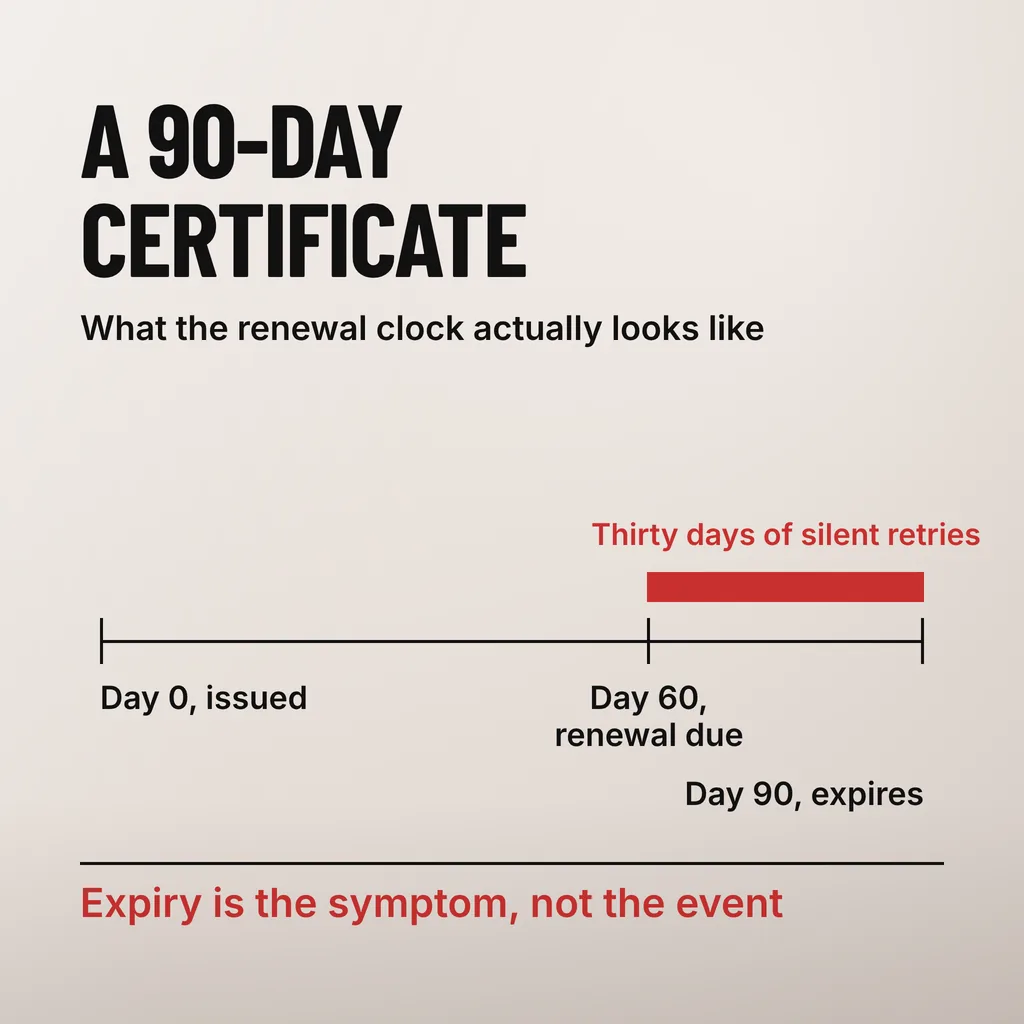
Reissue the certificate first and diagnose afterwards. On shared hosting that is usually one button in the panel and a few minutes, and every minute spent looking for the cause is a minute the warning stays in front of visitors. Work in this order, because two of these steps are why a reissue fails first time.
example.com but not www.example.com leaves half your inbound links warning, and the working half makes it look fixed.If the reissue fails twice for a reason you cannot see, the problem sits upstream and needs somebody with server access. The uncomfortable part is rarely the fix, though: it is that nothing was watching, and what should have been in place before the website went down is the same short list every time.
Not long, and getting shorter on a published schedule. The CA/Browser Forum Baseline Requirements, version 2.3.1 of 4 October 2026, set the maximum life of a public certificate at 200 days today, falling to 100 days on 15 March 2027 and to 47 days on 15 March 2029. Renewal by hand is being designed out of the system.
Those dates come from the Baseline Requirements’ own schedule of relevant dates, the rules every browser-trusted certificate authority follows. Read together, the four limits say something plain about what counts as upkeep:
| In force from | Maximum certificate life | What it does to a manual routine |
|---|---|---|
| Before 15 March 2026 | 398 days | Once a year; a diary note was enough |
| 15 March 2026 | 200 days | Twice a year, so a yearly reminder misses one |
| 15 March 2027 | 100 days | Roughly quarterly, and nobody remembers quarterly |
| 15 March 2029 | 47 days | Eight times a year; only automation keeps up |
Somebody inside the business, by name, with an alert that reaches them from outside the hosting account. A certificate is typically issued by the host, installed by whoever built the site and watched by nobody in particular, which is exactly how a renewal fails for a month unnoticed. Ownership means one person who gets told and can act.
Avoid letting the system that fails be the only system that would report the failure. A hosting panel showing a green tick reports its own view of its own job; an independent monitor requests the site the way a customer does and emails a named address before the expiry, which is the gap Let’s Encrypt left behind.
Two things make that owner real. They have the hosting login, or a standing answer to who does, and somebody has written down where the certificate comes from — because the usual honest answer, that the previous developer set it up, is not one anyone can act on at nine in the morning.
It is the same gap that swallows other dates nobody owns. A domain name expiring without anyone knowing runs on a longer clock and does more damage, for the identical reason: it belongs to no job description.
On most browsers they can, and almost none of them will. Getting past it in Chrome means opening an Advanced panel and choosing to continue to a site the browser has just called unsafe — a lot to ask of somebody comparing three suppliers. On a site that has previously sent an HSTS header there is no way through at all.
Not as a penalty, but it does stop pages being fetched. Googlebot requesting your pages over HTTPS hits the same certificate error a browser does, so while it is broken nothing new gets crawled. We have not measured a ranking effect from a short lapse; the cost worth worrying about is the visitors who read a warning and went back to the results.
Usually not. Email normally runs on its own mail hostname with its own certificate, often at a different provider from the website, so a lapsed website certificate leaves mail untouched. The exception is webmail and any mail hostname sharing the website’s certificate, where staff meet the same warning when they log in.
An expired certificate is a maintenance failure rather than a reason to rebuild: the site underneath it is fine, and what broke is a job nobody was assigned. Our website maintenance service holds those recurring dates and the logins behind them in one place, and watches the renewals from outside the hosting account. One thing to do today: open your site on mobile data, click the padlock and read the certificate’s expiry date. If it is under a month away and you cannot say what renews it, that is the job.