- Resources
Innovative Thinking


There is a sensible argument doing the rounds that a business website should not be judged by conversion rate alone — that a brochure site, a recruitment page and a shop have different jobs and deserve different measures. It is a good argument. It also skips a step. Before a site can be judged by any measure, something has to be measuring it.
On most of the small-business sites we audit, nothing is. There is an analytics tag someone pasted in years ago, no definition of what counts as success, and no Search Console. So this is the article before that debate: the minimum website analytics setup that makes the question answerable at all, and the ten minutes a month it takes to read.
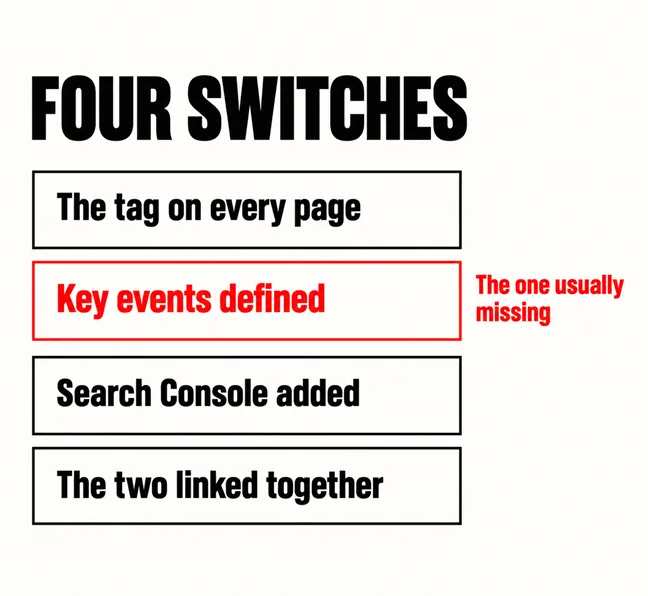
Four things, and they are switches rather than projects: the Google Analytics tag on every page, at least one key event defined, a Search Console property for the domain, and the two linked together. Each takes between two and fifteen minutes. Together they are the difference between a site that can be judged and one that can only be argued about.
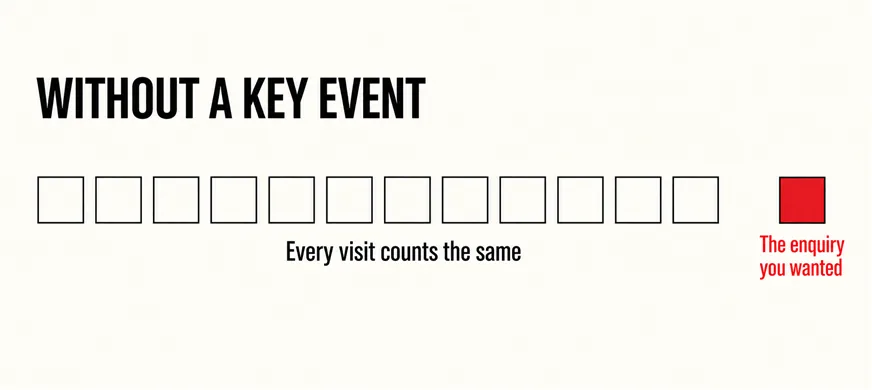
The one that is nearly always missing is the second. Analytics counts visits by default; it does not know which visits mattered. Google’s documentation on key events describes them as the actions you mark as the most important to your business — a form submitted, a call button tapped, a quote requested. Until you mark one, an enquiry and a bounce are the same row in the same report, and no amount of debate about conversion rate changes that.
Until a key event is defined, an enquiry and a bounce are the same row in the same report.
That is also why the conversion-rate argument is usually premature in practice. It imagines a business staring at a number and misreading it. The commoner situation is a business with no number — which is the problem described from the other side in why visitors come and nobody contacts you and which visits on an industrial site are actually buyers.
The ones that correspond to a real enquiry reaching a real person. For most Malaysian service businesses that is three: the contact form submitted, the WhatsApp or phone link tapped, and — if you have one — the booking or quote form completed. Not page views, not scroll depth, not time on page. Those are engagement, which Google already measures without being asked.
On the form, the clean way is to count the thank-you page rather than the button. A visitor who reaches that page has succeeded; a visitor who tapped submit may have hit a validation error. What happens after a form is submitted covers why that page matters for other reasons too, and the call to action covers making the button worth tapping in the first place.
Engagement is worth understanding even though you do not configure it. Google’s page on engagement rate defines an engaged session as one that lasts longer than ten seconds, has a key event, or has two or more page views. Note the middle item: your key events feed straight into it. A site with no key events is measuring two of the three criteria and does not know it.
Because they answer different questions. Analytics tells you what people did after they arrived. Search Console tells you what happened before — which searches showed your pages, how often, and whether anyone clicked. Neither can see the other’s half.
Setting it up means adding a property, and Google’s guide to adding a website property offers two kinds. A URL-prefix property includes only URLs with the specified prefix, including the protocol; a Domain property covers every protocol and subdomain at once. For a business site, choose the Domain property — it means the www and non-www versions, and any future subdomain, are counted together rather than split across properties nobody remembers to check.
What this unlocks is the brand split described in reading traffic quality: which searches found you by name, and which found you by what you sell. It is also the only place you can see a page earning impressions but no clicks — the pattern behind rankings rising while traffic falls and sometimes behind a competitor outranking you with a worse site.
One view instead of two. Google’s Search Console integration works by linking a Google Analytics web data stream to a Search Console website property, and once linked it makes two reports available inside Analytics: organic search queries, and organic traffic by landing page. The same page’s search impressions and its on-site engagement sit in one place.
That matters for a specific, common diagnosis. A page can be found often, clicked rarely and, when clicked, hold people well — which says the title and description are the problem, not the page. Or it can be clicked often and lose everyone in ten seconds — which says the opposite. Without the link you are flipping between two tools trying to match rows by hand; with it the comparison is a single table.
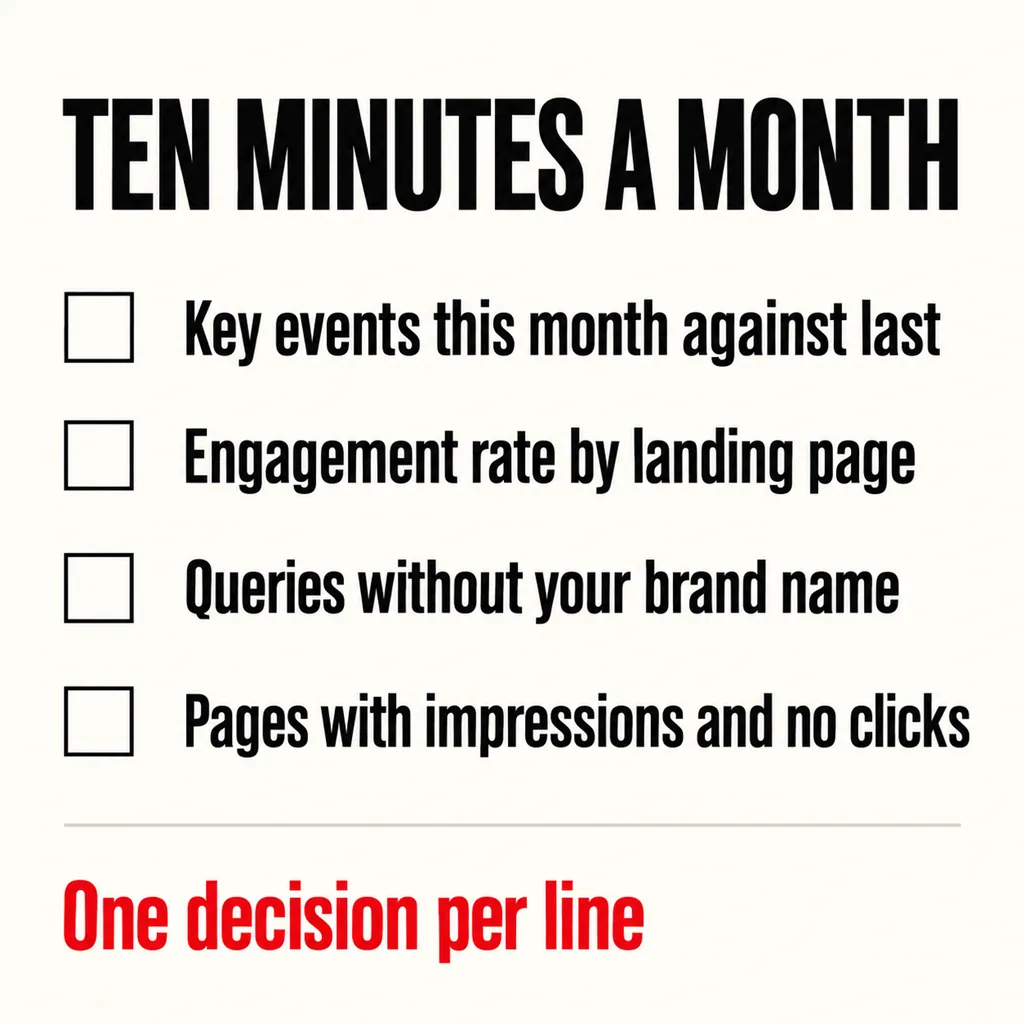
| Read | Where | The decision it informs |
|---|---|---|
| Key events this month against last | Analytics, Events | Is the site producing more enquiries, or just more visits? |
| Engagement rate by landing page | Analytics, Pages and screens | Which pages hold attention and which lose it in ten seconds |
| Queries without your brand name | Search Console, Queries | What you are found for without an introduction |
| Pages with impressions and no clicks | Search Console, Pages | Where the title and description are failing the page |
Four readings, each attached to one decision. That is the whole routine, and it is deliberately short, because a routine that takes an hour stops happening by the third month. If a reading points at a specific page, the landing page audit is the next step; if it points at paid traffic, the website problems behind ads that do not convert. Only once these four exist does the question in the competitor’s headline — should this site be judged by conversion rate? — become one you can answer with your own numbers rather than someone else’s opinion.
It is the first of four switches. Installed and unconfigured, it counts visits and nothing else, which is exactly the state in which the conversion-rate debate cannot be settled. Check whether any key event exists under Admin; if the list is empty, the site has never been measured on the thing that pays for it.
No. All four steps are documented by Google in plain language and none requires code if your site runs on a mainstream CMS. The only part that benefits from a developer is wiring the form to a thank-you page if one does not exist. Where an agency earns its fee is in reading the numbers afterwards, not in flipping the switches.
Search Console starts showing impressions within days; Analytics key events are useful as soon as a month of them exists, because a single month is a count and two months is a comparison. Resist judging the site in week one. The point of setting it up now is so that, three months from now, there is something to judge.
The first thing we check on a site we are asked to revamp is not the design but whether anything is being measured, because a redesign of an unmeasured site produces an unmeasured redesign. Our web development and design service puts the four switches in place before work starts, so the before-and-after is a comparison rather than an impression — and if the numbers afterwards are slow to move, how long a new site takes to rank sets realistic expectations for the wait.