- Resources
Innovative Thinking


Start the work before the rebrand is finished, but launch the new website on the same day as the new brand, never ahead of it. A rebrand website revamp splits cleanly in two. The structure, content and technical fixes depend only on decisions you have already made, while the visual design depends on a logo, a name and a colour palette that may still be changing. Begin the first half now and hold the second until the brand is signed off.
The order matters because the expensive mistake is designing pages around a draft logo and provisional colours, then paying to redesign them when the final versions arrive. If the domain name is changing as well, Google’s own advice adds a second rule: change one thing at a time.
Everything that does not depend on how the brand looks can start as soon as the new name and positioning are agreed. That covers the content audit, the decision about which pages stay, the URL map, the page structure, most of the copy and the technical fixes. None of that work changes when the logo or the colours do.
The structural half is also the slower half to do well. Deciding which of thirty pages still earn their place, which can be merged and where each old address will point takes time, and none of it needs a designer. If the audit shows the site is sound underneath, a rebrand is rarely a reason on its own to start again from nothing; our guide to choosing between a website revamp and a full rebuild sets out when it is.
| Work | Can start | What it waits for |
|---|---|---|
| Content audit and what stays | Now | Nothing |
| URL map and page structure | Now | The domain decision, if the domain might change |
| Copy and page headlines | Once name and positioning are agreed | The final name |
| Technical fixes: speed, forms, plugins | Now | Nothing |
| Greyscale wireframes | Once the page structure is agreed | Nothing visual |
| Visual design and templates | After sign-off | Final logo, colours and typefaces |
| Photography | After sign-off | Brand styling, packaging and signage |
Greyscale wireframes are the useful bridge between the two halves. They let you test layout, content order and where the WhatsApp button sits on a phone before anyone has a colour to argue about, and nothing in them is thrown away when the brand arrives.
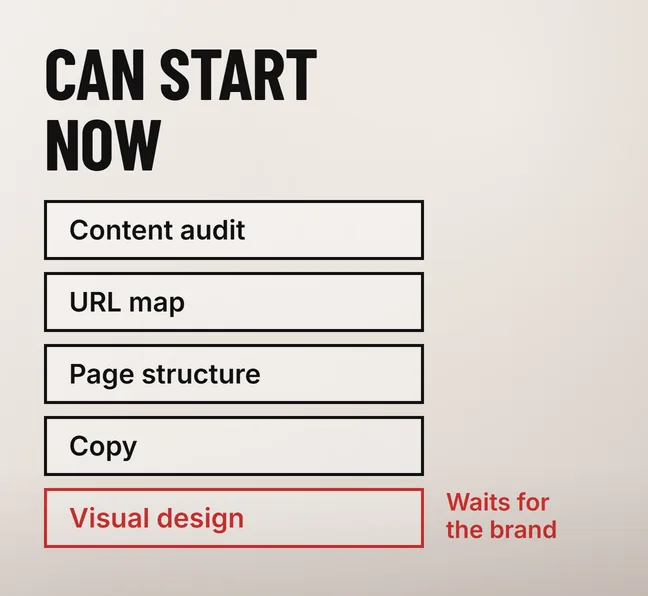
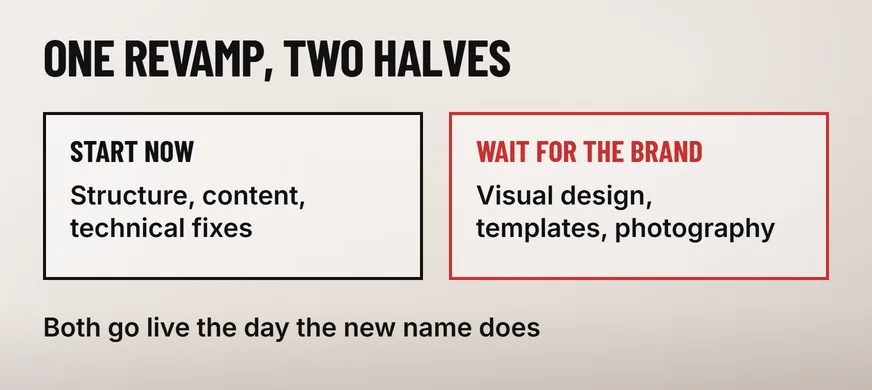
Visual design has to wait: the page templates, colour system, typography, icons, favicon and social sharing images all depend on brand files that may still change. Starting them on a draft logo or a provisional palette is how a rebrand ends up paying for the website design twice.
Colour is the clearest case. A new palette has to pass contrast checks on real page elements such as buttons, links and text on coloured panels, and WCAG 2.2 Success Criterion 1.4.3 sets a minimum contrast ratio of 4.5:1 for normal-sized text. A brand colour that fails on a button gets adjusted, and every template built with the old value gets adjusted with it.
The name is the other dependency. It appears in page titles, the header, the footer, the emails and quotations the site sends, structured data and the Google Business Profile, and each of those is a place a half-finished rebrand shows. Hold the visual work until the brand exists as files rather than slides: the final logo in vector and web formats, exact colour values, and the typefaces with their web licences.
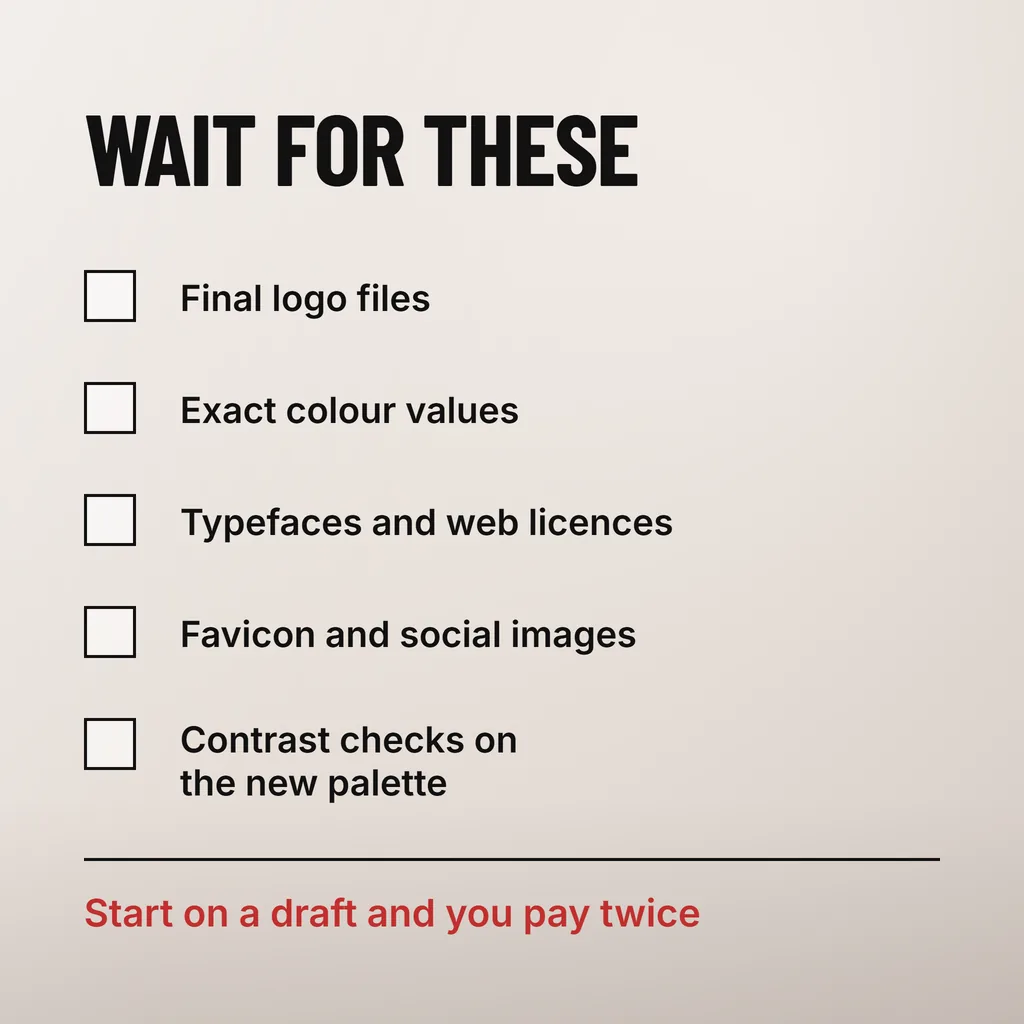
Doing it twice costs the design and build hours spent on the first version, a second round of testing, and a stretch in which customers see one look online and another on the shopfront. We have no published benchmark for the hours involved; the size depends on how far the build got before the brand changed.
Waiting for the whole rebrand before touching the website costs something too. The weeks in which the content audit and URL map could have been finished are lost, and the build gets squeezed into the gap between the new signboard going up and the opening promotion. Starting the structural half early is what makes a same-day launch realistic.
A domain change turns one launch into two. Google’s site-move guidance tells site owners to change one thing at a time, so in our reading the safer order is to move the current site to the new domain first, with the new name and logo swapped in, then launch the revamped design once Google has picked up the new addresses.
Google’s guidance on site moves with URL changes is direct: “Plan your changes to your site one after the other, not everything at the same time.” Its own example is close to the rebrand case: “if you want to move your site to a new domain name, change your content management system (CMS), and update your site to use a new layout, do them one at a time: move to a new domain, then change your site’s layout.”
The same page sets the expectation for the gap between the two launches, saying “a small to medium-sized website can take a few weeks for most pages to move”. It says to keep the redirects “for as long as possible, generally at least 1 year”, and to submit a Change of Address in Search Console for the old domain. Search Console Help’s page on that tool recommends “continuing to pay for the old domain for at least a year to prevent others from buying and using your abandoned domain for malicious purposes”.
Two launches take longer, but each can be checked on its own. If traffic dips after the domain move, the design is not a suspect; if enquiries drop after the redesign, the redirects are not. The trade-offs of launching in stages are covered in our guide to a phased website revamp. If the domain stays the same, none of this applies: a new name on the same addresses is not a site move.
Everything a customer can compare side by side should change on the same day: the website, the signboard, social profiles, the WhatsApp Business profile and, as soon as the signage is up, the Google Business Profile. A customer who sees the new name on the shopfront and the old one on Google Maps has reason to wonder whether they have found the right business.
The Google Business Profile needs the most notice. Google’s help page on editing a Business Profile asks for the name “exactly as it appears on your real world business signage, stationery, and other branding” and warns: “If you change your business name after it’s verified, you might need to verify your business again.” It also says “We review your changes before we update them live on your profile.” So the profile change cannot be timed to the minute. Make it once the new signage is up, since that is what the name has to match.
Yes, as a holding step, if the current site is in reasonable shape. Swapping the logo, name and main colours on the existing templates lets the website match the new signage on launch day while the full revamp follows. Check contrast on the new colours first, because the old templates were never tested with them.
No. A website showing the new brand before the signboard, packaging and Business Profile do leaves customers looking at two different businesses. Build and test the new site on a staging copy that search engines cannot index, then switch it live on announcement day alongside everything else.
Not by itself. Google’s site-move guidance covers changes to URLs, and a new name on the same domain and addresses is not one, so no redirects are needed. Update the name in page titles, the About page, structured data and the Business Profile, and keep the former name mentioned for people still searching it.
We run the brand and the website on one schedule: the content audit and URL map start while the identity is being designed, and the new look goes live the day the new name does. Our brand identity and creative design service covers the logo, colour system and brand assets the website is then built from. If a rebrand is already underway, start with the one date that cannot move, the day the new signage goes up, and plan both halves backwards from it.