- Resources
Innovative Thinking


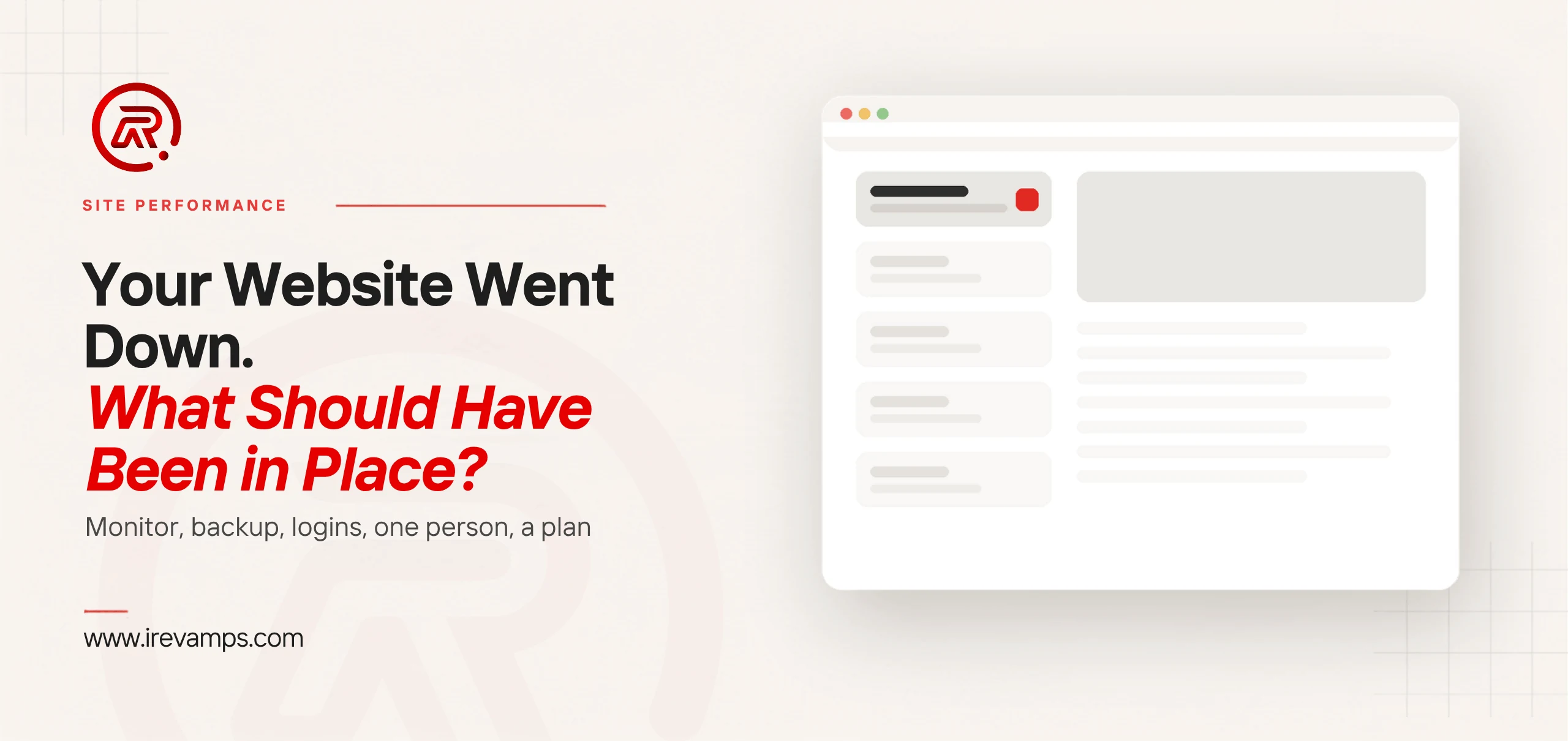
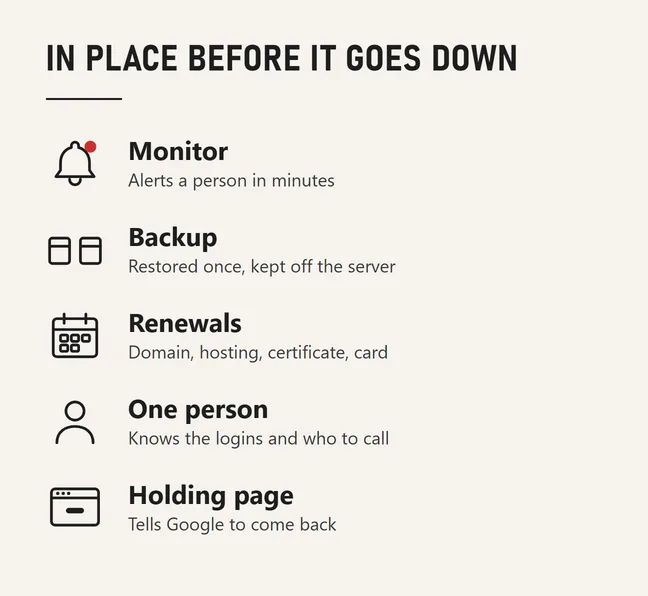
Five things should already have been in place when your website went down: a monitor that told you before a customer did, a backup somebody has actually restored, the renewals and logins written down in one place, one named person who knows what to do, and a holding page that tells Google to come back later. Website downtime with those five in place is an hour’s interruption. Without them it becomes a week of finding out who has the hosting password.
That is the short answer; the rest is the how, written for the owner of a small Malaysian business site on shared hosting. That is the site that goes down over a lapsed renewal or a plugin update rather than a data-centre fire, and it stays down for exactly as long as nobody notices.
An uptime monitor is an outside service that loads your homepage every few minutes and messages someone when it cannot. UptimeRobot’s free plan, to name a common one, lists 50 monitors at a 5 min. monitoring interval with email alerts included. That is enough. What matters more than the tool is where the alert goes: to a phone somebody carries, not to the info@ mailbox that three people share and nobody owns.
Two settings matter. Check a real page rather than the server alone, because some hosts serve their “account suspended” notice as an ordinary successful page. And check for a word that should be on the page, such as your business name, so a blank or defaced page counts as down.
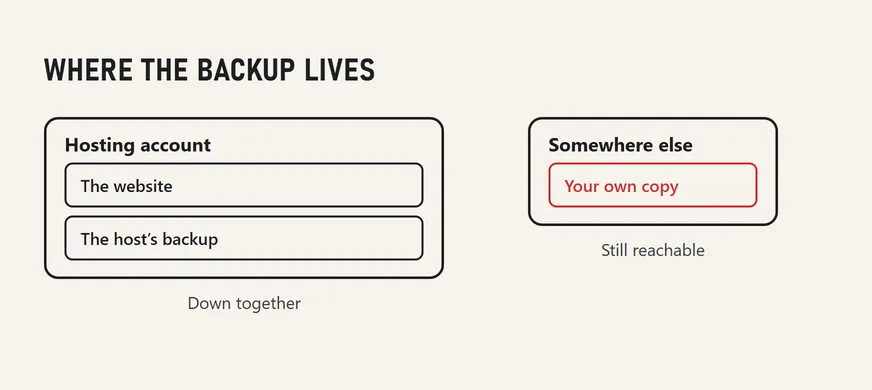
Nearly every site has backups. The outage asks a narrower question: has anyone ever restored one, and does a copy exist outside the hosting account? WordPress’s own guidance is specific on both frequency and spread. For smaller websites with fewer posts, backups should be made once a week. For high-activity websites with a lot of posts, backups should be made daily. On where to keep them: You should keep at least 3–5 recent WordPress backups to stay safe from data loss, with copies stored in different locations, its example being one on the hosting server, one in cloud storage and one on your own computer.
The copy outside the hosting account is the one that matters here. A backup made by the hosting panel lives inside the account it backs up; if that account is suspended over an unpaid invoice, or the host itself is what has gone down, the backup is exactly as reachable as the site. A restore nobody has rehearsed is a hope rather than a plan: the same guidance recommends checking automatic backups with a manual one once in a while to guarantee that the process is working. Put a date in the diary, treat the restore as failed until somebody has logged in to the restored copy, and record it in a maintenance plan that goes beyond plugin updates.
A good deal of the website downtime we are asked about turns out to be an unpaid invoice. Hosting, the domain and the certificate each renew on their own clock, each sends reminders to whichever address was used to set it up, and each fails differently when the reminder goes unread.
The domain is the one that hurts most. For a .my address, MYNIC’s lifecycle gives registrars up to 45 days for domain name holders to pay for the domain renewal after expiry, after which the domain name will move to the Redemption Grace Period for 30 days. In redemption your domain name will become suspended (server hold) and other services associated with your domain name such as your website and email address will cease to function, and getting it back costs a redemption fee on top of the renewal. Whether the site keeps working during the first 45 days is up to the registrar, so do not count on it.
The certificate is the quiet one. Most shared hosts issue it from Let’s Encrypt, whose default certificates are valid for 90 days, and renew it automatically; Let’s Encrypt itself recommends renewing 90 day certificates every 60 days. When that automation fails, usually after a DNS change, visitors get a full-screen browser warning that looks worse than an outage. So keep one shared page listing every renewal: what it is, who it is with, the login, the card it charges and when it next falls due, with the dates on a calendar the business actually reads.
During an outage the expensive minutes are spent working out who is allowed to do anything. Name one person now: not the most technical, the most reachable. Give them a one-page runbook: where the hosting is and how to log in, where the domain is registered, who provides DNS, where the off-site backup lives, the developer’s number, the host’s support channel, and how to put up a holding page. If the site was built by a freelancer who has since moved on, writing the runbook is how the business finds that out on a quiet Tuesday rather than during the outage.
If the fix will take more than an hour, what the server says while it is down matters as much to search as to visitors. Google’s documentation on server errors is precise: 5xx and 429 server errors prompt Google’s crawlers to temporarily slow down with crawling. For Google Search, already indexed URLs are preserved in the index, but eventually dropped. A short outage served with a proper 503 status is a pause, not a penalty. A “we will be back soon” page served with an ordinary 200 status tells Google that this is what the site now says, on every address. Ask your host or developer which of the two their maintenance page returns.
Sites behind Cloudflare have a cheaper layer to switch on in advance. Always Online will serve cached pages when your origin server is unavailable, though it cannot serve dynamic content while your origin is offline, so forms and checkouts still fail. It buys the homepage and the service pages, which is often enough to keep the phone ringing.
Every one of the five has to exist before the outage. None of them can be set up during it.
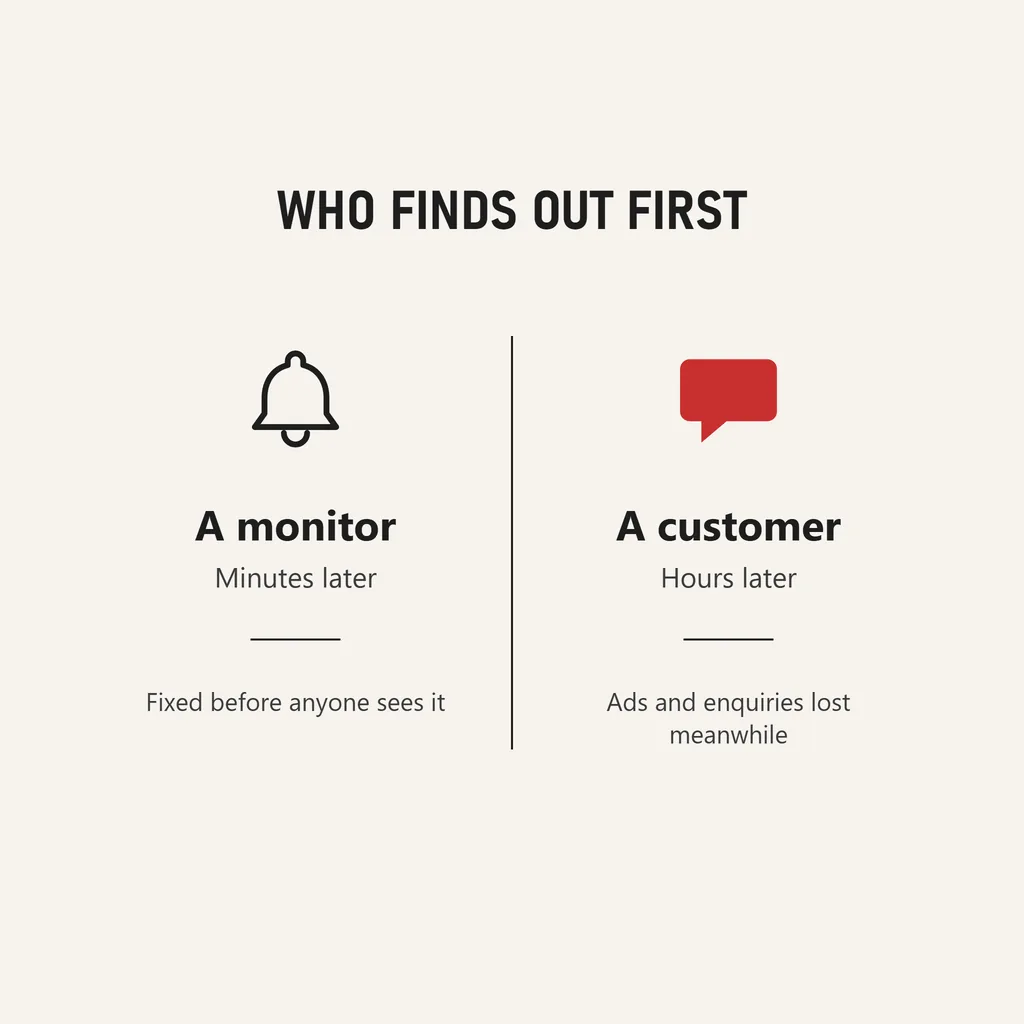
Without a monitor, an outage announces itself through whatever notices it. Usually that is a customer, often on WhatsApp, often several hours in. Two things happen in those hours that the owner never sees.
The first is the advertising, which does not stop by itself. Google’s policy on ad destinations is unambiguous once its checks catch up: ads are disapproved for destinations that return an HTTP error code for Google AdsBot web crawlers on common devices globally. So a campaign that was working stops, has to clear review again once the site is back, and whatever was spent before the disapproval bought visits to an error page.
The second is search. Search Console will tell you about the outage, but afterwards. Its Crawl Stats report turns the host status red when Google encountered at least one significant crawl availability issue in the last week on your site, and its server-connectivity graph shows when your server was unresponsive or did not provide a full response for a URL during a crawl. That is a useful post-mortem and a useless alarm.
Meanwhile the business is not down; only the website is. WhatsApp still works, and the Google Business Profile still shows the phone number and the hours. What the outage costs is the enquiries that would have started on the site, and those are the ones a small business is least able to count.
Google does not publish a number. Its documentation says that during server errors already indexed URLs are preserved in the index, but eventually dropped, and that crawling slows down in the meantime. The honest reading is that hours served with a proper 503 are a pause and weeks are a loss, and nobody outside Google can say where between the two the line sits. Fix it in hours and the question never arises.
It is a good start and a poor finish. It is usually automatic, which is its strength, and it lives inside the account it backs up, which is its weakness: a suspended account or a host outage takes the backup down with the site. Keep one copy outside the hosting account, and restore it at least once so you know it works.
Not to begin with. A free plan checking every five minutes and emailing a phone is adequate for a small business site; paid tiers mostly add shorter intervals and more ways to be alerted. The upgrade that matters is not the plan but the alert reaching a person who will act on it at eleven at night.
An outage is a diagnostic. A lapsed renewal is a record-keeping gap, and the fix is the runbook above. A broken update on a theme nobody dares touch is technical debt, and the outage is the bill arriving. A repeat host failure is the wrong plan or the wrong host. None of those is a reason to rebuild; they are reasons to revamp what sits underneath, with the pages and the address left alone. Our website revamp service includes exactly that part: the hosting review, the off-site backup and its restore test, the monitor pointed at a real phone, and the runbook the business keeps. If nobody can say what should have been in place, that review is where to start.