- Resources
Innovative Thinking


Rankings are attached to specific URLs, the content on them and the links pointing at them, not to a design. A website can be redesigned without losing its search rankings when those three things are protected: keep the URLs wherever you can, keep the content that earns the rankings, and redirect anything that must change with permanent redirects that are tested before launch and watched after it. Most of the damage we see after a redesign was not a decision anyone made. It was a default nobody checked.
The search phrase “redesign website without losing SEO” exists because the risk is real. The reassuring part is that the work is mostly administrative rather than technical, and most of it happens before a designer opens a file.
Search engines rank pages, not websites. Each page that brings you visitors has a URL Google has crawled, text it has judged useful for certain queries, and internal and external links telling it how much the page matters. A redesign can quietly break each of these, and the traffic drop that follows looks like an algorithm change when it is really a row of 404s.
The cost is not a short dip. When John Mueller of Google was asked on Reddit about recovering from SEO mistakes, he said that fixes tied to bigger algorithmic changes can take “quite some time”, and “sometimes many months”. A redesign that loses rankings in a week can take two quarters to earn them back, if it earns them back at all. Prevention is cheaper than recovery.
A redesign changes how the site looks. Rankings live in what it says, where it says it, and what links to it.

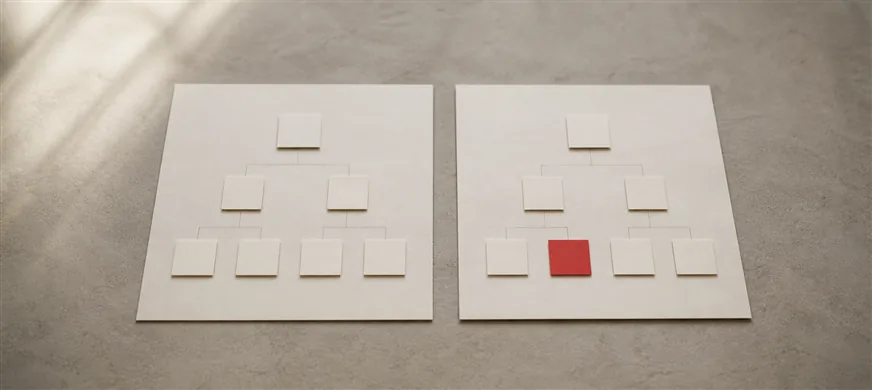
The sequence matters more than any single item. Done in this order, each step produces the evidence the next step needs.
Export every URL Google has shown in the last twelve months from Search Console, with impressions and clicks per page. Add the XML sitemap, the analytics landing-page report and a backlink export from whichever tool you use. Merge them into one spreadsheet. This is the list of everything you stand to lose, and it is usually shorter than the site: a handful of service pages, a few articles and the homepage tend to carry most of the traffic.
For each URL that matters, record the title tag, meta description, H1, headings, word count, schema and which pages link to it, and note which pages produce enquiries rather than just visits. In Malaysia the same addresses are usually printed on name cards, embedded in a Google Business Profile, pasted into WhatsApp broadcast templates and linked from Facebook and Shopee bios. None of those update themselves, which is one more reason to keep the addresses.
The single most protective decision is to keep the URLs. A revamp on the same platform normally can, because the templates and structure change while the addresses do not. A rebuild on a new platform often cannot. If you are still weighing those two paths, our guide to choosing between a website revamp and a full rebuild sets out when each is justified.
Where a URL has to change, map it one to one to the page that replaces it, in the spreadsheet from step 1. Google’s guidance for site moves with URL changes recommends permanent redirects such as 301 or 308, states that permanent redirects do not cause a loss in PageRank, and asks that the redirects be kept for at least a year. Pages you are removing without a replacement should redirect to the closest relevant page, or be allowed to return 404 if nothing close exists. Sending everything to the homepage is the fastest way to tell Google the old pages are gone.
Keep the content that ranks. If a service page is being shortened for the new layout, check the inventory first: the section being cut may be the reason the page appears at all. Move it lower on the page rather than deleting it.
Build the new site on a staging address, then crawl both sites and compare page by page: titles, H1s, headings, word counts, internal links, canonical tags and schema. Any old page whose new version has lost a heading or half its text goes back to the designer. Update internal links so they point straight at the new URLs rather than relying on the redirects, and if you run Bahasa Malaysia and English versions, check that they still reference each other correctly.
Test the site on a mid-range phone over mobile data, not just on the office wifi, and test every form and WhatsApp link. A redesign that loads slower than the site it replaces has already lost something, whatever the rankings do.
Launch day is a checklist, not a ceremony.
Watch three reports in Search Console: page indexing, for 404s and redirect errors; performance, comparing clicks and impressions per page against the inventory; and crawl stats. Fix any 404 with traffic within a day or two by adding the missing redirect. Google warns that ranking fluctuations are normal while a site is recrawled and reindexed and that a medium-sized site can take a few weeks or more to settle, so a wobble in the first fortnight is not a reason to roll back. A page that has still not recovered after two months is a reason to compare it with the inventory and find what changed.
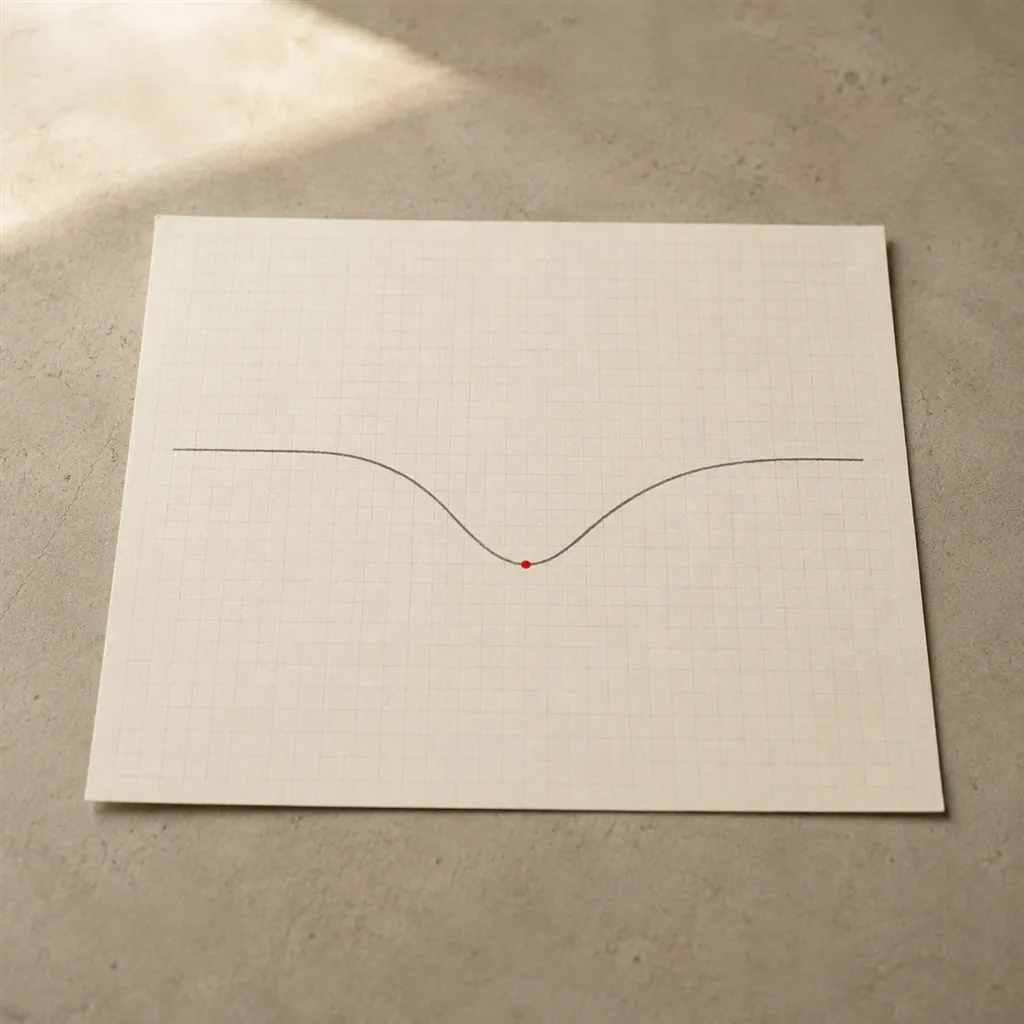
Almost every serious post-redesign loss we have been asked to diagnose came from one of a short list of decisions.
No. When URLs, content and internal links are preserved and any changes are redirected permanently, rankings usually hold, with some fluctuation while Google recrawls the site. Drops come from unplanned changes, not from the redesign itself.
Rarely. A revamp on the same platform keeps them. URLs normally change only when the platform changes or the old structure was genuinely poor, and in both cases each old address needs a permanent redirect to its replacement.
Google recommends keeping them for as long as possible, and at least a year. In practice, leave them permanently. They cost nothing and protect links from other sites that will never be updated.
Most of the redesigns we take on are revamps that keep the URLs, which removes the largest risk before the work starts. Where addresses must change, the inventory and redirect map from steps 1 and 2 are part of our SEO service, and the staging comparison and launch checks are part of every website revamp project we deliver. If your site is due for a redesign, start with the inventory. It shows what is worth protecting before anyone decides what to change.